Your online life is yours

Internet providers, advertisers and data brokers all have reasons to watch what people do online. You should get to decide what they can see. That is what Appvia VPN is for.

  • Hide your IP address

    Sites and services see the VPN server’s address instead of yours, so your IP address can’t be used to follow you there.

  • Encrypt your traffic

    What travels through the tunnel is unreadable to your internet provider and to anyone else on the same Wi-Fi network.

  • Choose what is protected

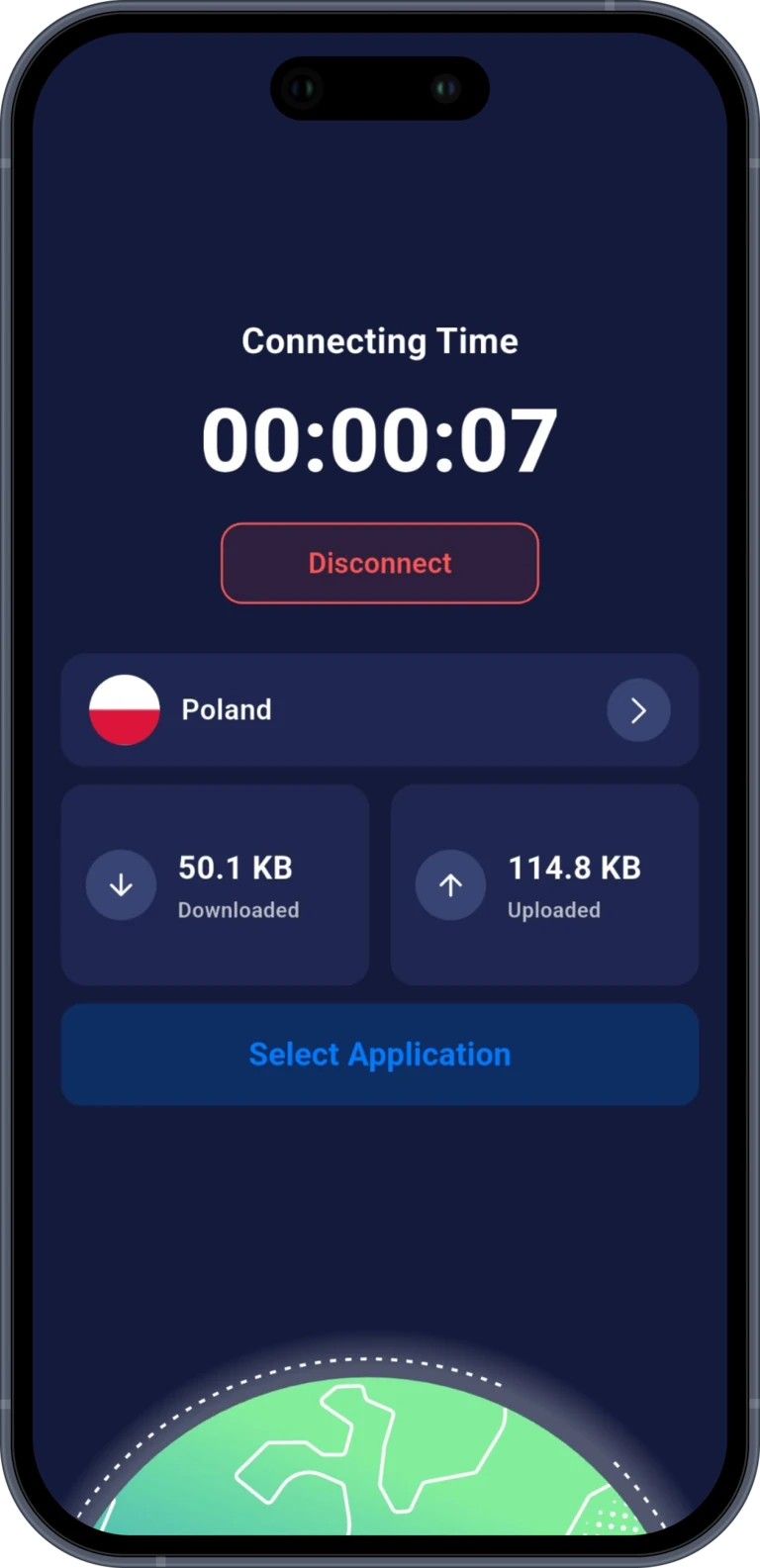
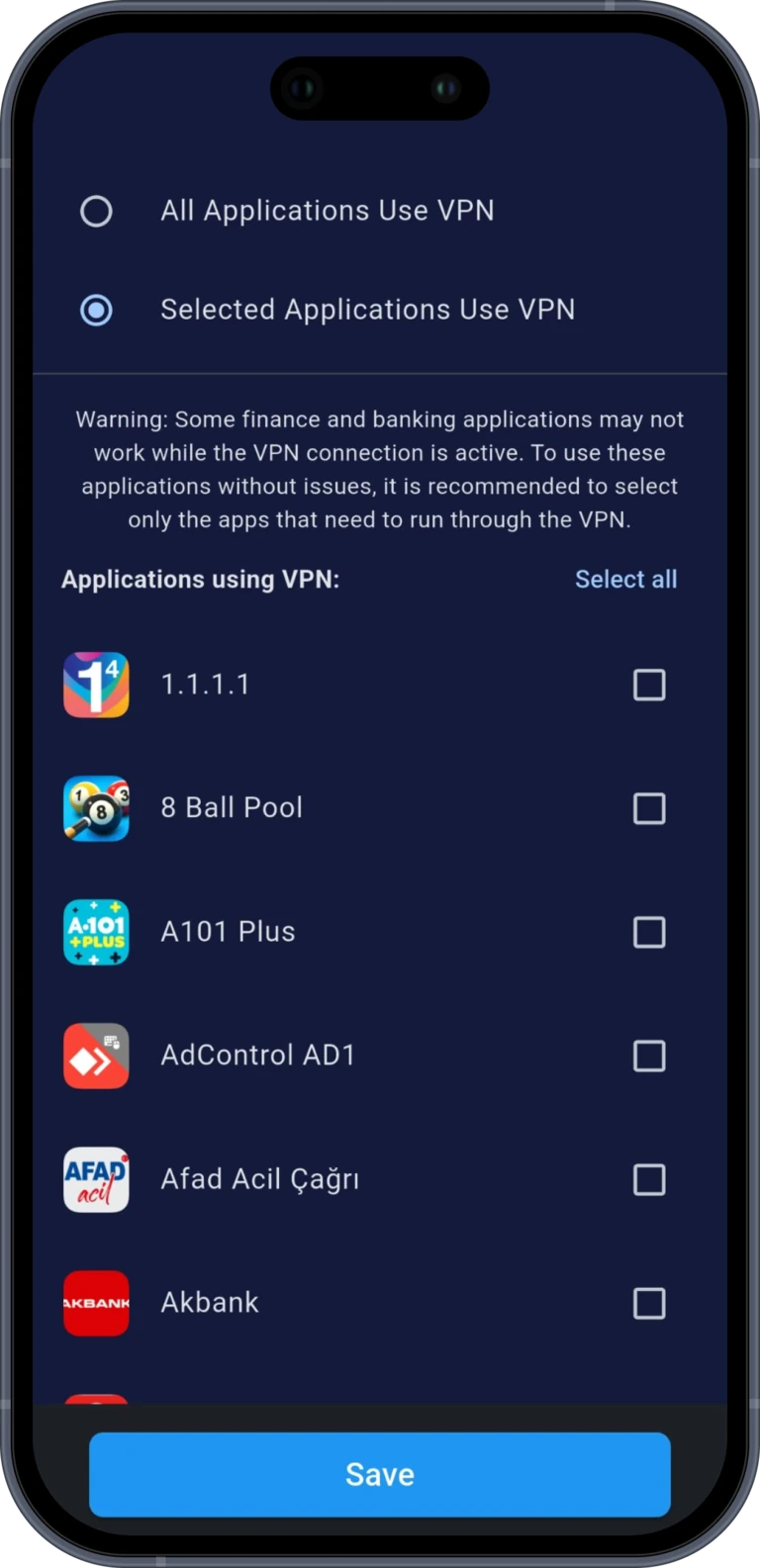
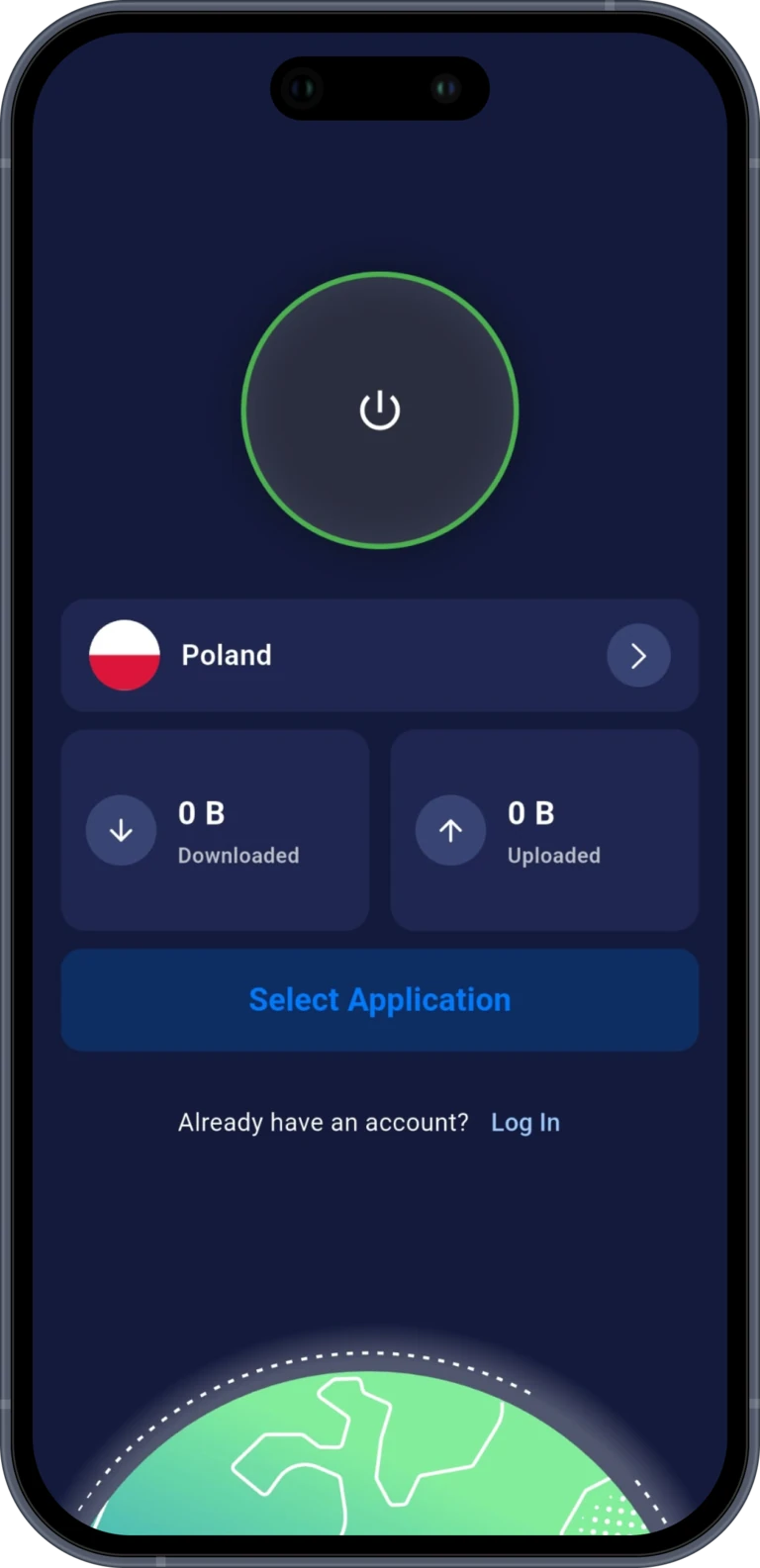
    Send every app through the VPN, or use split tunneling to pick the ones that matter. The decision stays with you.

What a VPN can’t do

You should know where a VPN’s protection ends, so you can make your own choices. A VPN is one layer of your privacy, not all of it.

  • Apps you leave out of the tunnel keep your regular connection and your own IP address.
  • Sites can still recognize you when you log in to an account, and through cookies or your browser.
  • It doesn’t protect you from phishing, or from giving your details to a site you don’t trust.
Read the privacy policy

Split tunneling on your PC, too

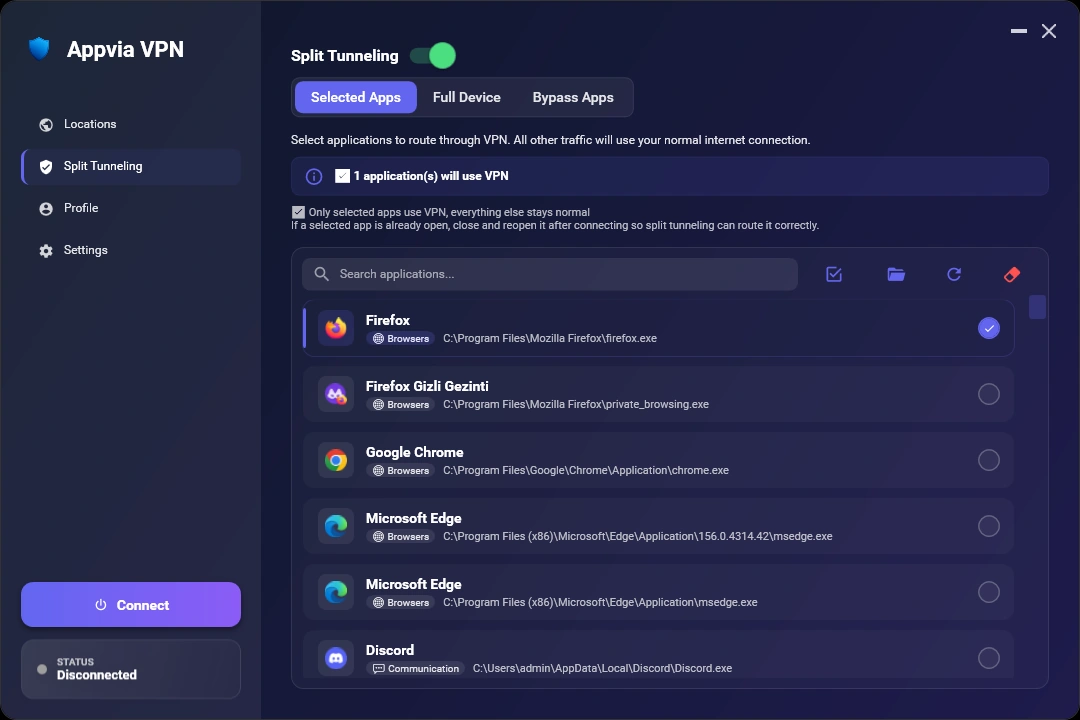
Search the apps installed on your PC and choose how each one connects, with Selected Apps, Full Device and Bypass Apps modes. Everything else keeps your normal connection.

Sign in with the account you use on your phone, and your subscription comes along.

Download for Windows
Choosing which Windows applications use the VPN in Appvia

Getting started with Appvia

  • Access code

    Have a free access code? Redeem it for free days

    Redeem code
  • Windows

    How to subscribe and sign in on your PC

    Read guide
  • Privacy

    Read what we collect and how we use it

    Read policy

Your apps. Your rules. Your split tunnel.

Get started